Setup
Setup and configuration
Get AuraWhisper running in five quick steps: account, token, download, configure, and start.
1
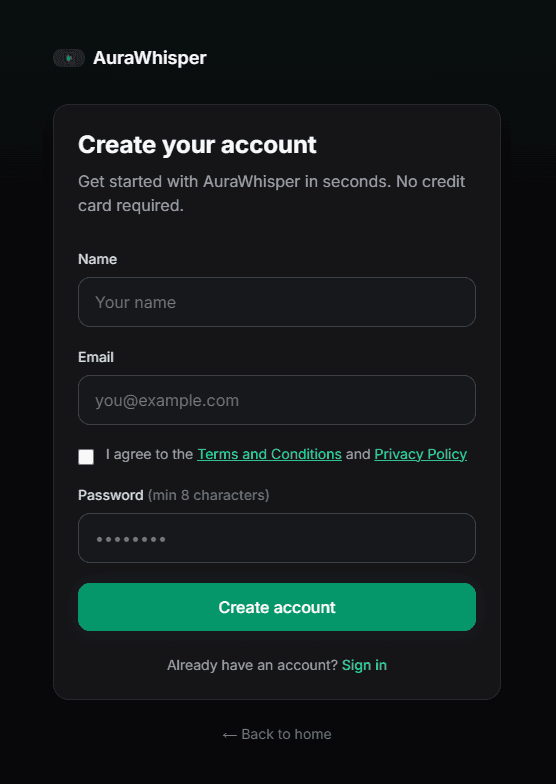
Create your account
Sign up with your email and password. Then continue to your dashboard.
2
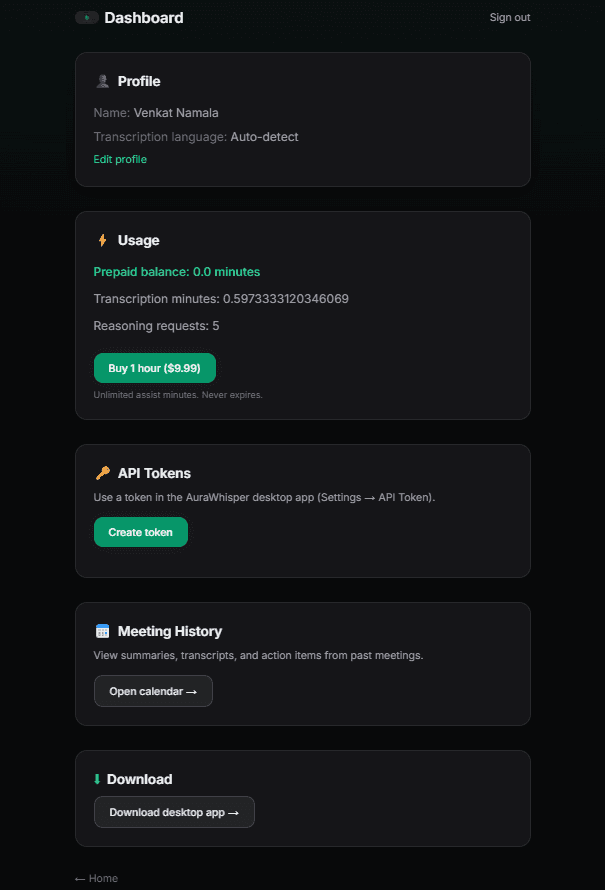
Generate API token
From dashboard, create and copy your desktop token. Set profile language for transcription quality.
3
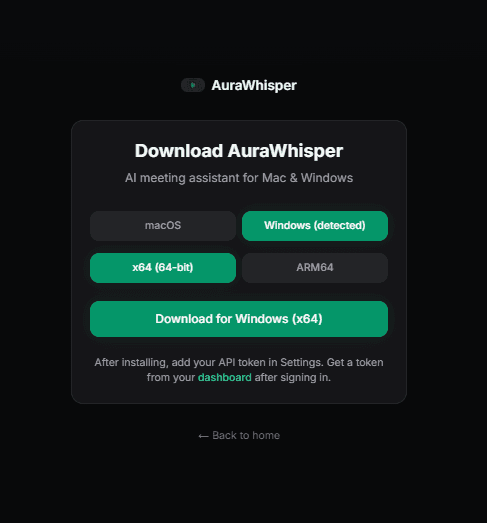
Download desktop app
Choose Mac or Windows and the right architecture, then install AuraWhisper.
4
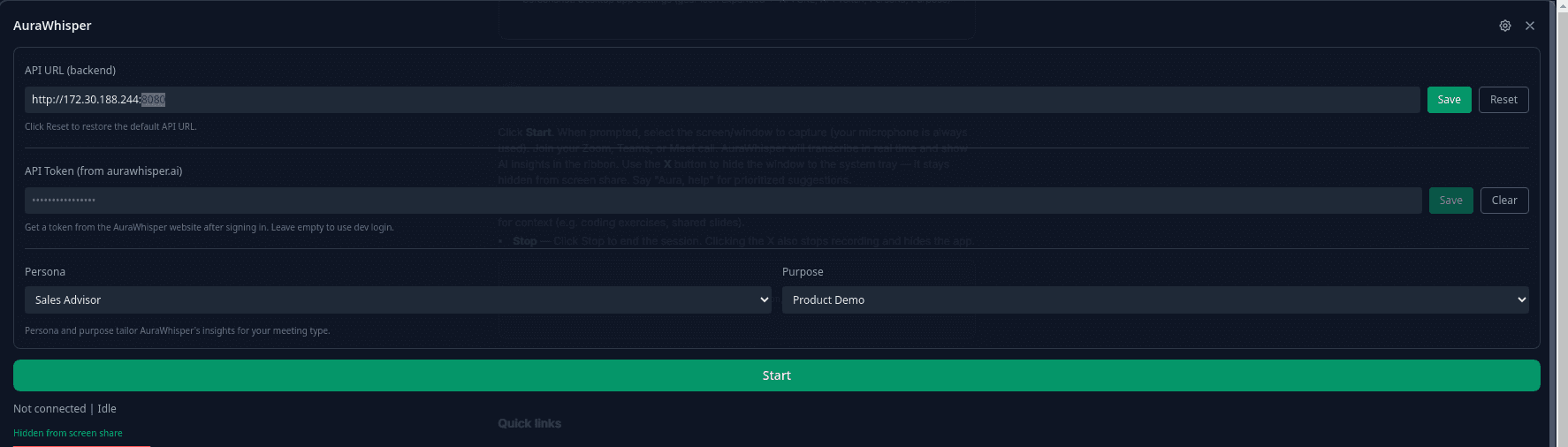
Configure settings
Open Settings in the desktop app and set API URL, API token, persona, and purpose.

5
Start your first meeting
Press Start, choose screen context if prompted, and get live transcript + insights during your call.